



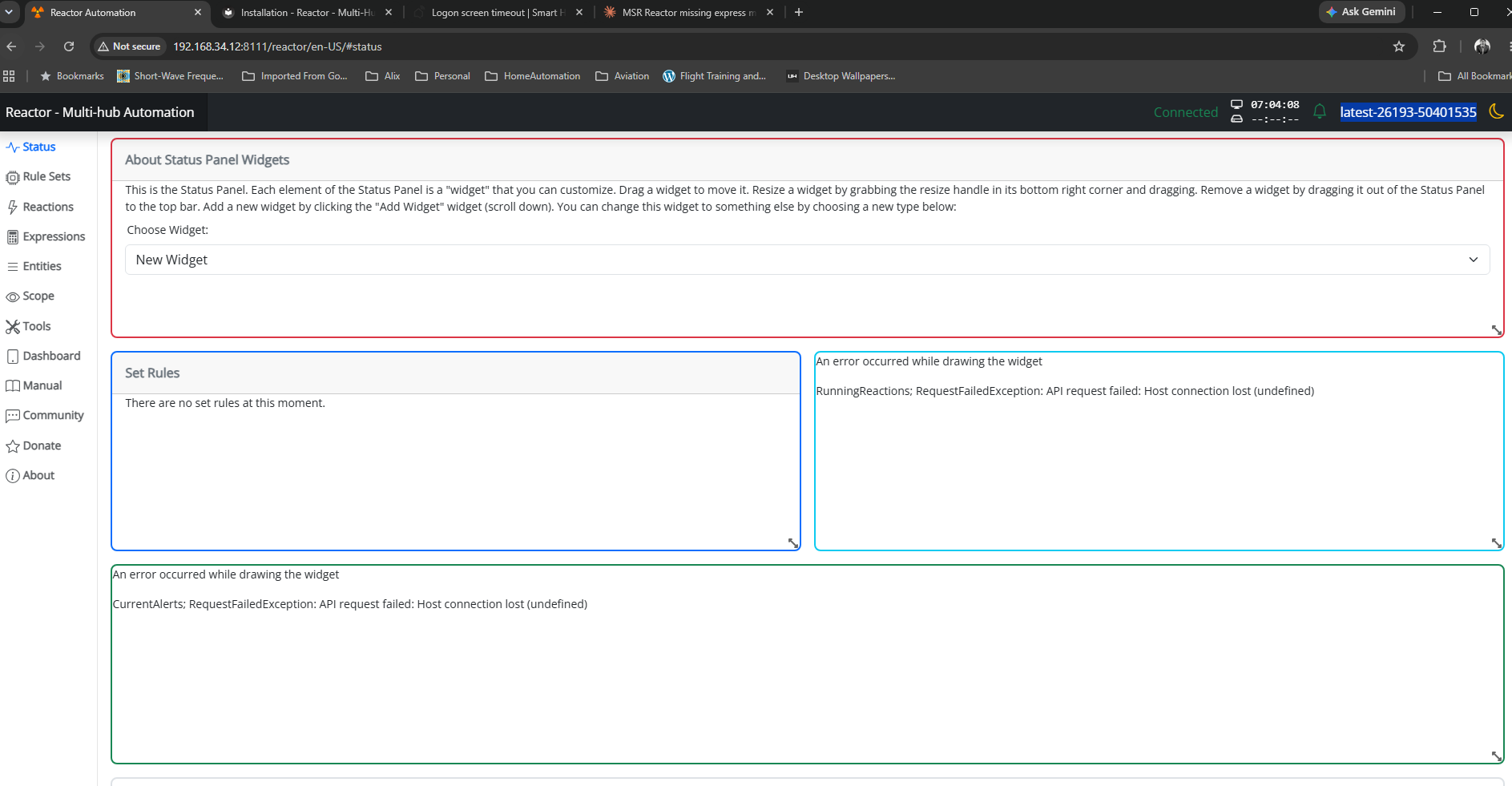

As there are statements about compatibility for home assistant versions in MSR new version announcements (e.g. "HassController: Bless Hass to 2025.7.3"), I thought it would be good idea to track other controllers as well.
As an example, I can confirm that build "latest-25208-c53e8513" works with Hubitat Elevation C-8 platform version 2.4.2.134 using Maker API.
Updates: (the latest versions first in the list)
OK: build "latest-25264-2fbe9217" with Hubitat C-8 platform v. 2.4.3.123
Hey @toggledbits I'm back to trying to optimize a couple of things based on dynamic group.
First of all, I think I found a typo in the doc:
primary_attribute: "binary_sensor.state"
primary_attribute_value: |
d = false;
each id in members: d = getEntity(id)?.attributes?.power_switch?.state or d,
d
I think the correct code snippet is d = false,
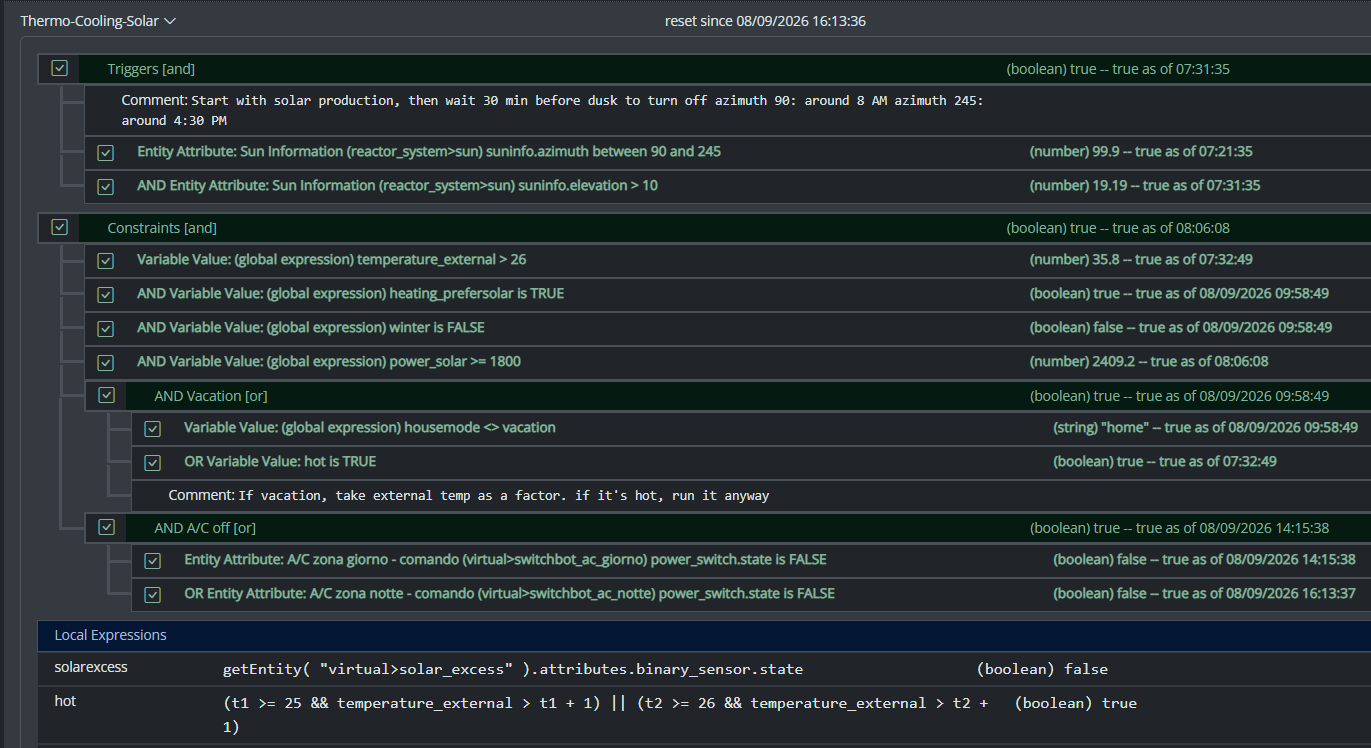
All that said, my use case for dynamic groups is to group 3 different climate devices, so I could easily command them at the same time. Commands are good, but sometimes I want to check if any of the devices are on, and that's easily done with a similar snippet as the one you have in the docs. But this is limited to the primary attribute, while I want to have any of the attributes in the group to be driven by a similar logic (while all are null in the group). ie, access hvac_control.mode and see if any of the unit is set to cool, or heat. Is that possible, without re-defining an expression in each of my rules? Thanks!
Edit: Solved in latest-26221.
Bare-metal latest-26193
I have this group:
"OKforLarm":
name: OK för Larm
select:
- include_controller: vera
- include_capability: door_sensor
filter_expression: entity.attributes.door_sensor.state
It contains the entities I expect but behaves a bit odd. When I open vera>device_10097 the entity attribute door_sensor.state changes to true but it won't show up as member in the group, when I also open vera>device_10095 they both shows as members and when I close vera>device_10095 it disappear from the group but when I close vera>device_10097 it lingers in the group until I restart Reactor.
Build 21228 has been released. Docker images available from DockerHub as usual, and bare-metal packages here.
Home Assistant up to version 2021.8.6 supported; the online version of the manual will now state the current supported versions;
Fix an error in OWMWeatherController that could cause it to stop updating;
Unify the approach to entity filtering on all hub interface classes (controllers); this works for device entities only; it may be extended to other entities later;
Improve error detail in messages for EzloController during auth phase;
Add isRuleSet() and isRuleEnabled() functions to expressions extensions;
Implement set action for lock and passage capabilities (makes them more easily scriptable in some cases);
Fix a place in the UI where 24-hour time was not being displayed.
Hey @toggledbits
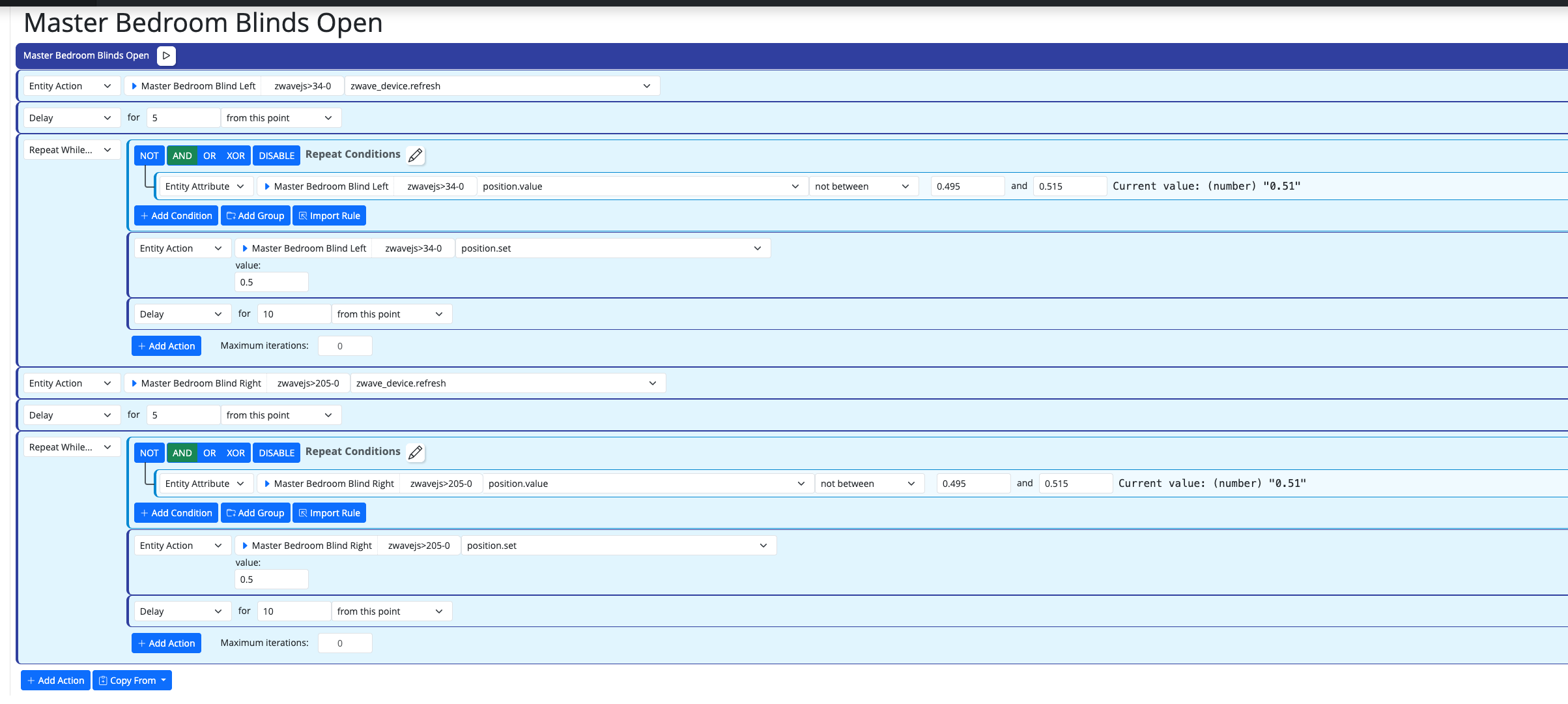
One thing that bothers me while doing work on new systems/new features, is that I cannot copy&paste actions, and I cannot drag&drop between set and resets.
#1 is for when I want to copy an action between different rules opened in two separate browser windows, while #2 is when I just need to flip a bunch of actions in the reset, or move some logic back and forth.
Both will be appreciated, but I understand the technical challenges. Thanks!
I'm currently on version 26011. I understand that the aarch64 image is no longer supported. So, I therefore need to update to the ARM64 image. Can anyone possibly suggest how I update my docker compose.yaml file (see below). Ideally I'd like to keep my existing reactions etc. rather than start from scratch.
# Multi-System Reactor template docker-compose.yml (version 22160)
#
# Change the lines indicated by "DO"...
#
services:
reactor:
container_name: reactor
environment:
# DO change the TZ: line to set your local time zone.
# See valid TZ list: https://en.wikipedia.org/wiki/List_of_tz_database_time_zones
TZ: GB
#
# DO NOT change this path. Your directory location is in "source" below.
REACTOR_DATA_PREFIX: /var/reactor
# DO change the image below to the one you are using (e.g. armv7l or aarch64 for RPi 4)
image: toggledbits/reactor:latest-aarch64
restart: "always"
expose:
- 8111
ports:
- 8111:8111
volumes:
# DO change the /home/username/reactor below to the directory you created for
# your local data; DO NOT change the /var/reactor part
- /home/pi/docker/reactor:/var/reactor
- /etc/localtime:/etc/localtime:ro
tmpfs: /tmp
Way to copy or export Alerts?
-
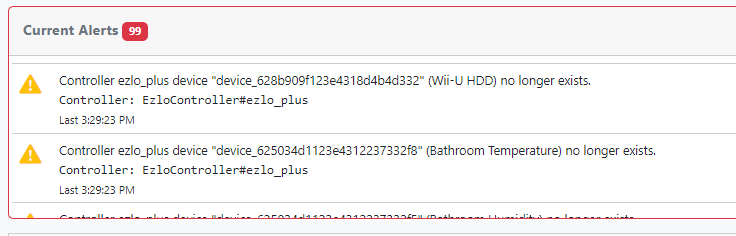
I'm confused I have 99 Alerts saying I have lots of devices and scenes that no longer exist on my Ezlo Plus controller.
However the devices and scenes are still on the controller.
I then wondered if some how all the device ID numbers had changed?
I just check four devices from the MSR Alerts list and using their ID numbers I used the Ezlo Online API Tool to give me a list of all devices.
In note pad I then search for these device ID numbers and they are still the same, meaning the number listed in the MSR Alerts, is still the same device ID number for the same correct device name from the Ezlo API Tool output.
What gives ?
-
-
@cw-kid The alerts are present in the
reactor_system.alertsin the Reactor System entity, you can copy text from there. -

T toggledbits locked this topic on