




Skip to content
  • Categories
  • Recent
  • Tags
  • Popular
  • Unsolved
Collapse
Discussion Forum to share and further the development of home control and automation, independent of platforms.
  1. Home
  2. Software
  3. Multi-System Reactor
  4. [Solved]. Snipe hunting a missing entity
Reverse proxy & API ACL
tunnusT
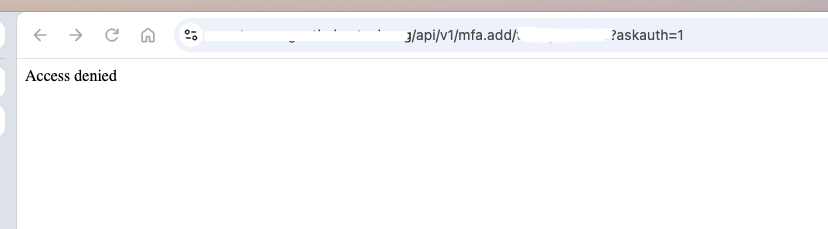
I'm trying to allow anonymous access from a local network to /api/v1/log, but the problem now with the reverse proxy configuration is that this access is open via proxy to the internet. At least I wasn't able to configure ACL so that only an access from a local network would be permitted. reactor.yaml: baseurl: "http://192.168.1.12:8111" proxy_baseurl: "https://external.com:30000" trusted_proxy: "192.168.1.12" Local traffic would originate from 192.168.1.0/24 network. Synology is acting as a reverse proxy and hosting MSR as a docker container (which has its own network and IP 172.18.0.5). MSR build is latest-26298-fbb75fb8 users.yaml: - url: "/api/v1/log" method: "GET" source_ip: 172.18.0.0/24 allow: true Using the above ACL works, but it enables access via proxy also. If I use source_ip: 192.168.1.0/24, then it doesn't work either locally or remotely. So I'm kinda lost what should I use as source_ip in this case?
Multi-System Reactor
MFA
T
Topic thumbnail image
Multi-System Reactor
Grouped devices
G
I've seen many of you using Dynamic Group Controller. I'm using it myself for monitoring device battery levels. I've read and re-read the Dynamic Group Controller docs and still cannot come to an answer for my question so let me paint my scenario: I've migrated from EchoSpeaks in Hubitat ('cause borked and seemingly unmaintained) to Alexa Devices in Home Assistant ('cause not borked in 2026.11.0) to be able to send TTS to my Echo devices. In EchoSpeaks I could create groups. Sweet. In Alexa Devices I don't seem to be able to do so. As such, my thought was "wait - isn't there a way in MSR?" Is this an effective scenario that Dynamic Group Controller can be used for?
Multi-System Reactor
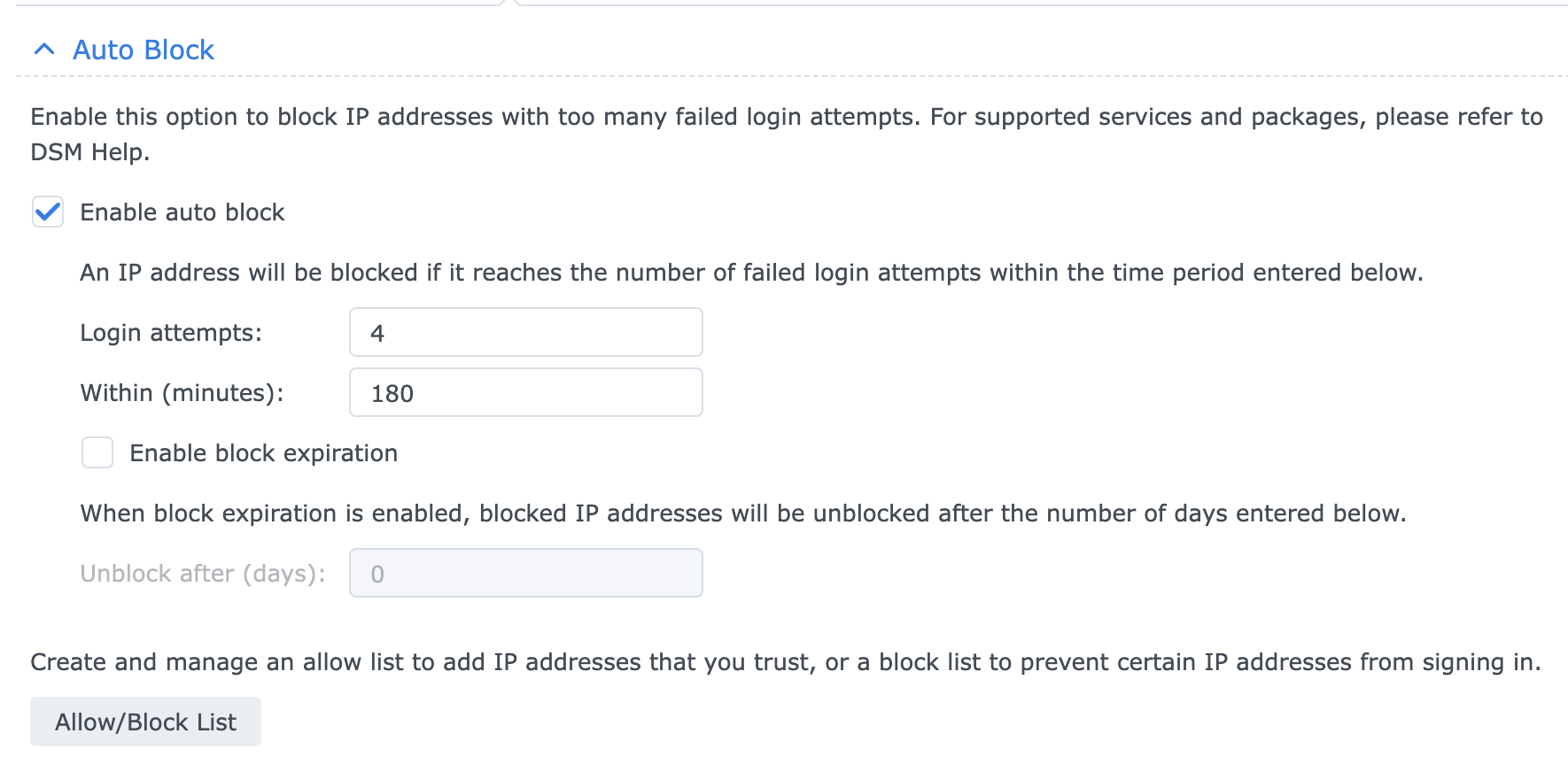
Login protections
tunnusT
Topic thumbnail image
Multi-System Reactor
Reactor (Multi-System/Multi-Hub) Announcements
toggledbitsT
Build 21228 has been released. Docker images available from DockerHub as usual, and bare-metal packages here. Home Assistant up to version 2021.8.6 supported; the online version of the manual will now state the current supported versions; Fix an error in OWMWeatherController that could cause it to stop updating; Unify the approach to entity filtering on all hub interface classes (controllers); this works for device entities only; it may be extended to other entities later; Improve error detail in messages for EzloController during auth phase; Add isRuleSet() and isRuleEnabled() functions to expressions extensions; Implement set action for lock and passage capabilities (makes them more easily scriptable in some cases); Fix a place in the UI where 24-hour time was not being displayed.
Multi-System Reactor
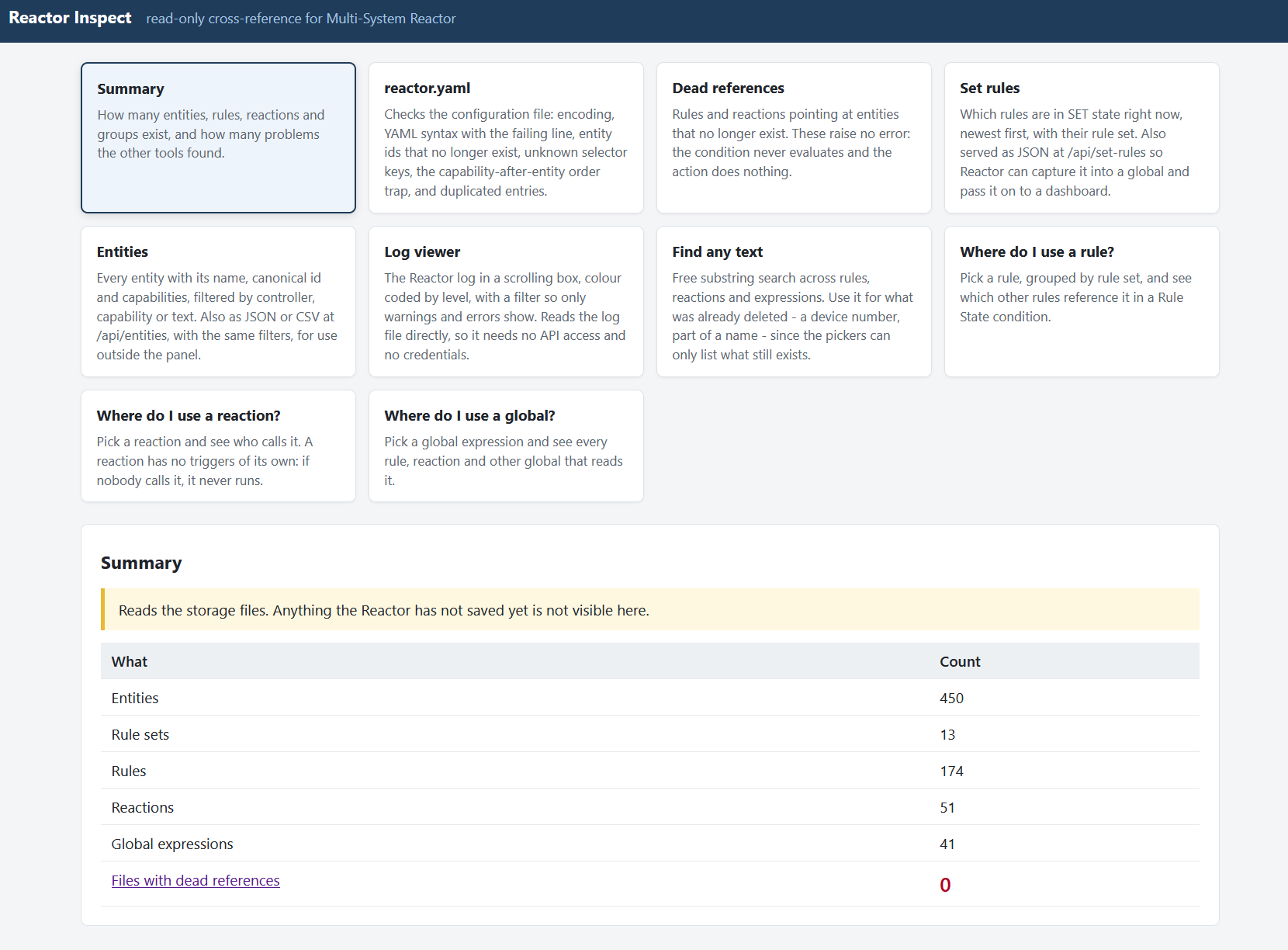
Reactor Inspect - a small read-only helper panel for MSR
wmarcolinW
Topic thumbnail image
Multi-System Reactor
Reactor Build 26284 stuck at Loading Reactor UI
T
Topic thumbnail image
Multi-System Reactor
MSR with reverse proxy
tunnusT
I'm trying to use MSR via reserve proxy in Synology DSM, but MSR page does not load https://<public ip>:30000/reactor/en-US/ At the same time logging page loads normally https://<public ip>:30000/api/v1/log I thought maybe authentication was messing it up, but there was no deny entries in the log, and also disabling authentication did not make any difference. For this use case VPN is not an option (that works, but as said not an option for this particular use case). Any ideas what could cause this? MSR build latest-26242-28d69aa8, Chrome browser
Multi-System Reactor
Missing attribute after upgrade
3
Topic thumbnail image
Multi-System Reactor
[MSR] Native fan capabilty
therealdbT
Nothing more to add. I see we have hvac_blower, but, anyway, maybe a native fan on the same assumptions of the fan from HASS could be reasonable. I have a couple of them. ie, this is from ESPHome via HASS. x_hass.domain="fan" x_hass.entity_id="fan.kitchen_seashell_hood_ventilation_fan" x_hass.floor_id=null x_hass.services=["fan","esphome"] x_hass.source="esphome" x_hass.state="off" x_hass_attr.friendly_name="Seashell Hood Ventilation Fan" x_hass_attr.percentage=50 x_hass_attr.percentage_step=25 x_hass_attr.preset_mode="" x_hass_attr.preset_modes=[] x_hass_attr.supported_features=49 Thanks.
Multi-System Reactor
[MSR] Rule do not fire
therealdbT
Topic thumbnail image
Multi-System Reactor
Rule condition shows TRUE in UI but Rule never transitions to SET — survives full restart
N
Build: latest-26221-b25bb3e3, Docker on Synology. Hi, I have a Rule whose Trigger/Constraints reference other Rules via Rule State ... is TRUE. At some point it stops firing. Expanding the rule's condition tree in the UI shows every Trigger and Constraint condition green/TRUE — confirmed live by walking into the room and watching Motion go true in real time. Rule History shows no new SET, just old reset entries. Tried, on the same rule, same evening: recreating the trigger conditions with fresh IDs, recreating the constraint conditions with fresh IDs (flat and wrapped in a new Group — wrapping in a Group produced one SET, but it didn't reproduce on repeat attempts with the same structure), and finally a full container restart with a verified-correct saved rule. Still no SET, even with a fresh live motion event right after the restart. Separately, I found that this rule (and its 10 per-room clones) share identical internal condition/group IDs with each other — leftover from a batch clone done months ago, never regenerated. Not sure if that's related, since fixing the IDs didn't reliably fix the symptom either. Has anyone seen a Rule State condition show TRUE in the UI without the Rule ever producing a SET, surviving a clean restart? Thanks in advance
Multi-System Reactor
DynamicGroupController and attributes
therealdbT
Hey @toggledbits I'm back to trying to optimize a couple of things based on dynamic group. First of all, I think I found a typo in the doc: primary_attribute: "binary_sensor.state" primary_attribute_value: | d = false; each id in members: d = getEntity(id)?.attributes?.power_switch?.state or d, d I think the correct code snippet is d = false, All that said, my use case for dynamic groups is to group 3 different climate devices, so I could easily command them at the same time. Commands are good, but sometimes I want to check if any of the devices are on, and that's easily done with a similar snippet as the one you have in the docs. But this is limited to the primary attribute, while I want to have any of the attributes in the group to be driven by a similar logic (while all are null in the group). ie, access hvac_control.mode and see if any of the unit is set to cool, or heat. Is that possible, without re-defining an expression in each of my rules? Thanks!
Multi-System Reactor
Unofficial thread for compatibility
tunnusT
As there are statements about compatibility for home assistant versions in MSR new version announcements (e.g. "HassController: Bless Hass to 2025.7.3"), I thought it would be good idea to track other controllers as well. As an example, I can confirm that build "latest-25208-c53e8513" works with Hubitat Elevation C-8 platform version 2.4.2.134 using Maker API. Updates: (the latest versions first in the list) OK: build "latest-25264-2fbe9217" with Hubitat C-8 platform v. 2.4.3.123
Multi-System Reactor
Ooops - Deleted Reactor Ex Machina II
R
I accidentally deleted Reactor Ex Machina II (REM II) from my Reactor rules. I tried to recover it by deleting the .json and .dval in the Rules subdirectory and then recreating it from Togglebits original posting, but that did not work. Does anyone know how to recover REM ll ?
Multi-System Reactor
Bail out of failed reaction?
T
Topic thumbnail image
Multi-System Reactor
Arming Envisalink panel from MSR
T
Topic thumbnail image
Multi-System Reactor
[Solved] DynamicGroupController updating members issue
CrilleC
Edit: Solved in latest-26221. Bare-metal latest-26193 I have this group: "OKforLarm": name: OK för Larm select: - include_controller: vera - include_capability: door_sensor filter_expression: entity.attributes.door_sensor.state It contains the entities I expect but behaves a bit odd. When I open vera>device_10097 the entity attribute door_sensor.state changes to true but it won't show up as member in the group, when I also open vera>device_10095 they both shows as members and when I close vera>device_10095 it disappear from the group but when I close vera>device_10097 it lingers in the group until I restart Reactor.
Multi-System Reactor
Upgrade Issues
T
Topic thumbnail image
Multi-System Reactor
[SOLVED] Conflicting Set Reaction Groups Appear to Fire Simultaneously in Single Rule Evaluation
G
Topic thumbnail image
Multi-System Reactor

[Solved]. Snipe hunting a missing entity

Scheduled Pinned Locked Moved Multi-System Reactor
7 Posts 3 Posters 1.2k Views 3 Watching
  • Oldest to Newest
  • Newest to Oldest
  • Most Votes
Reply
  • Reply as topic
Log in to reply
This topic has been deleted. Only users with topic management privileges can see it.
  • G Offline
    G Offline
    gwp1
    wrote on last edited by gwp1
    #1

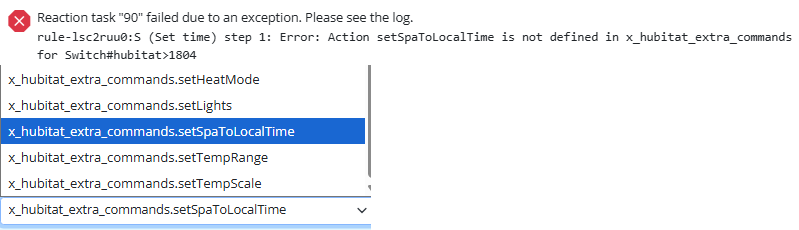
    I'm getting these two alerts regarding an entity that cannot be found. Entirely possible as I cut some fat out of my Hubitat last week.

    35097996-0305-41ca-90c4-482c5cc24316-image.png

    I've confirmed in MSR that entity hubitat>161 doesn't exist, again, totally fine.

    My issue is trying to find the two rules impacted here. I seem to recall in past builds of MSR that there was a yellow triangle next to a ruleset if it had an issue like this but I've gone thru every ruleset and don't see this.

    Is there a means by which I can search by rule-kohw6jf2?

    *Hubitat C-7 2.5.2.139
    *Proxmox VE v8, Beelink MiniPC 12GBs, SSD

    *HAOS
    Core 2026.10.4
    w/ HA Connect ZWA-2 & ZBT-2
    FW: v1.1
    SDK: v7.23.1

    *Prod MSR in docker/portainer
    MSR: latest-26298-fbb75fb8
    MQTTController: 25139
    ZWave Controller: 25139

    wmarcolinW 1 Reply Last reply
    0
    • G gwp1

      I'm getting these two alerts regarding an entity that cannot be found. Entirely possible as I cut some fat out of my Hubitat last week.

      35097996-0305-41ca-90c4-482c5cc24316-image.png

      I've confirmed in MSR that entity hubitat>161 doesn't exist, again, totally fine.

      My issue is trying to find the two rules impacted here. I seem to recall in past builds of MSR that there was a yellow triangle next to a ruleset if it had an issue like this but I've gone thru every ruleset and don't see this.

      Is there a means by which I can search by rule-kohw6jf2?

      wmarcolinW Offline
      wmarcolinW Offline
      wmarcolin
      wrote on last edited by
      #2

      @gwp1

      In theory the rule that is using this device is Garage Door, search for it and you will certainly have this device within your process. The yellow triangle shows that the trigger has an error. Can you send a screen shot of this Garage Door rule?

      G 1 Reply Last reply
      0
      • toggledbitsT Offline
        toggledbitsT Offline
        toggledbits
        wrote on last edited by toggledbits
        #3

        As @wmarcolin said, it's giving you the name of the rule, so it should be easy to find by name, rather than by ID. And the <SET> indication means it's in the SET reaction (and also RESET, apparently) of that rule (that's also the meaning of :S and :R on the rule IDs).

        Author of Multi-system Reactor and Reactor, DelayLight, Switchboard, and about a dozen other plugins that run on Vera and openLuup.

        1 Reply Last reply
        0
        • wmarcolinW wmarcolin

          @gwp1

          In theory the rule that is using this device is Garage Door, search for it and you will certainly have this device within your process. The yellow triangle shows that the trigger has an error. Can you send a screen shot of this Garage Door rule?

          G Offline
          G Offline
          gwp1
          wrote on last edited by
          #4

          @wmarcolin I'm right with that theory... except I don't have a Reaction or ruleset named "Garage Door". I looked at any rules related to the garage door, especially those that happened at or near the time noted in the error.

          3f630ae6-37e9-4d50-a991-790fb8ac51ac-image.png

          None of those ruleIDs match, however.

          *Hubitat C-7 2.5.2.139
          *Proxmox VE v8, Beelink MiniPC 12GBs, SSD

          *HAOS
          Core 2026.10.4
          w/ HA Connect ZWA-2 & ZBT-2
          FW: v1.1
          SDK: v7.23.1

          *Prod MSR in docker/portainer
          MSR: latest-26298-fbb75fb8
          MQTTController: 25139
          ZWave Controller: 25139

          1 Reply Last reply
          0
          • G Offline
            G Offline
            gwp1
            wrote on last edited by
            #5

            Found it - it was a notification ruleset, well buried.

            Confirming, there's no indicator if the error is in the <SET> <RESET> portion of a ruleset, just a trigger?

            *Hubitat C-7 2.5.2.139
            *Proxmox VE v8, Beelink MiniPC 12GBs, SSD

            *HAOS
            Core 2026.10.4
            w/ HA Connect ZWA-2 & ZBT-2
            FW: v1.1
            SDK: v7.23.1

            *Prod MSR in docker/portainer
            MSR: latest-26298-fbb75fb8
            MQTTController: 25139
            ZWave Controller: 25139

            wmarcolinW 1 Reply Last reply
            0
            • G gwp1

              Found it - it was a notification ruleset, well buried.

              Confirming, there's no indicator if the error is in the <SET> <RESET> portion of a ruleset, just a trigger?

              wmarcolinW Offline
              wmarcolinW Offline
              wmarcolin
              wrote on last edited by
              #6

              @gwp1

              The error you showed is in SET and RESET, you must be using this device that does not exist hubitat>161 in both.
              Can you send me a printout of the rule you found in the ruleset? Edit it and show how the configuration looks like.

              G 1 Reply Last reply
              0
              • wmarcolinW wmarcolin

                @gwp1

                The error you showed is in SET and RESET, you must be using this device that does not exist hubitat>161 in both.
                Can you send me a printout of the rule you found in the ruleset? Edit it and show how the configuration looks like.

                G Offline
                G Offline
                gwp1
                wrote on last edited by
                #7

                @wmarcolin

                cfed25b0-2e93-49d5-b96d-8ffcedce36ff-image.png 3d808a0f-a6b4-4722-96bf-a0da86050911-image.png b131df05-d61f-42bb-a6fd-19f2336e9fbb-image.png

                a2013bf1-ee7c-4225-8d7e-5295f40cfc9f-image.png ce640840-fd72-43b1-9226-ac55cfa21e57-image.png

                Even though the Echo's are using "Announce All" you have to choose ONE as the entity. Seems the one I'd chosen here was one of the ones I've downsized from my account.

                *Hubitat C-7 2.5.2.139
                *Proxmox VE v8, Beelink MiniPC 12GBs, SSD

                *HAOS
                Core 2026.10.4
                w/ HA Connect ZWA-2 & ZBT-2
                FW: v1.1
                SDK: v7.23.1

                *Prod MSR in docker/portainer
                MSR: latest-26298-fbb75fb8
                MQTTController: 25139
                ZWave Controller: 25139

                1 Reply Last reply
                0
                • toggledbitsT toggledbits locked this topic on
                Reply
                • Reply as topic
                Log in to reply
                • Oldest to Newest
                • Newest to Oldest
                • Most Votes


                Recent Topics

                • Reverse proxy & API ACL
                  tunnusT
                  tunnus
                  0
                  9
                  244

                • MFA
                  T
                  tamorgen
                  0
                  28
                  845

                • Grouped devices
                  G
                  gwp1
                  0
                  3
                  111

                • Login protections
                  toggledbitsT
                  toggledbits
                  0
                  2
                  162

                • Reactor (Multi-System/Multi-Hub) Announcements
                  toggledbitsT
                  toggledbits
                  5
                  152
                  154.4k

                • Reactor Inspect - a small read-only helper panel for MSR
                  G
                  gwp1
                  2
                  6
                  432

                • Reactor Build 26284 stuck at Loading Reactor UI
                  T
                  tamorgen
                  0
                  16
                  1.6k

                • MSR with reverse proxy
                  tunnusT
                  tunnus
                  0
                  12
                  788

                • Missing attribute after upgrade
                  3
                  3rdStng
                  0
                  3
                  468

                • Use of Google Gemini as an MSR and Hubitat configuration aid
                  therealdbT
                  therealdb
                  0
                  2
                  278

                • [MSR] Native fan capabilty
                  therealdbT
                  therealdb
                  1
                  3
                  264

                • [MSR] Rule do not fire
                  therealdbT
                  therealdb
                  0
                  4
                  385
                Powered by NodeBB | Contributors
                Hosted freely by 10RUPTiV - Solutions Technologiques | Contact us
                • Login

                • Don't have an account? Register

                • Login or register to search.
                • First post
                  Last post
                0
                • Categories
                • Recent
                • Tags
                • Popular
                • Unsolved