
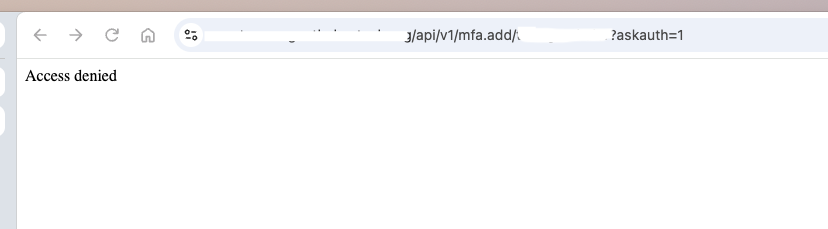

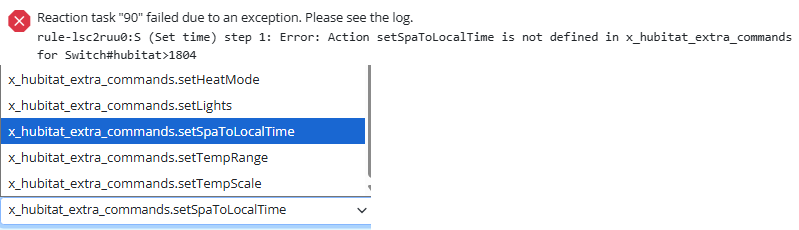
I'm trying to allow anonymous access from a local network to /api/v1/log, but the problem now with the reverse proxy configuration is that this access is open via proxy to the internet. At least I wasn't able to configure ACL so that only an access from a local network would be permitted.
reactor.yaml:
baseurl: "http://192.168.1.12:8111"
proxy_baseurl: "https://external.com:30000"
trusted_proxy: "192.168.1.12"
Local traffic would originate from 192.168.1.0/24 network. Synology is acting as a reverse proxy and hosting MSR as a docker container (which has its own network and IP 172.18.0.5). MSR build is latest-26298-fbb75fb8
users.yaml:
- url: "/api/v1/log"
method: "GET"
source_ip: 172.18.0.0/24
allow: true
Using the above ACL works, but it enables access via proxy also. If I use source_ip: 192.168.1.0/24, then it doesn't work either locally or remotely. So I'm kinda lost what should I use as source_ip in this case?
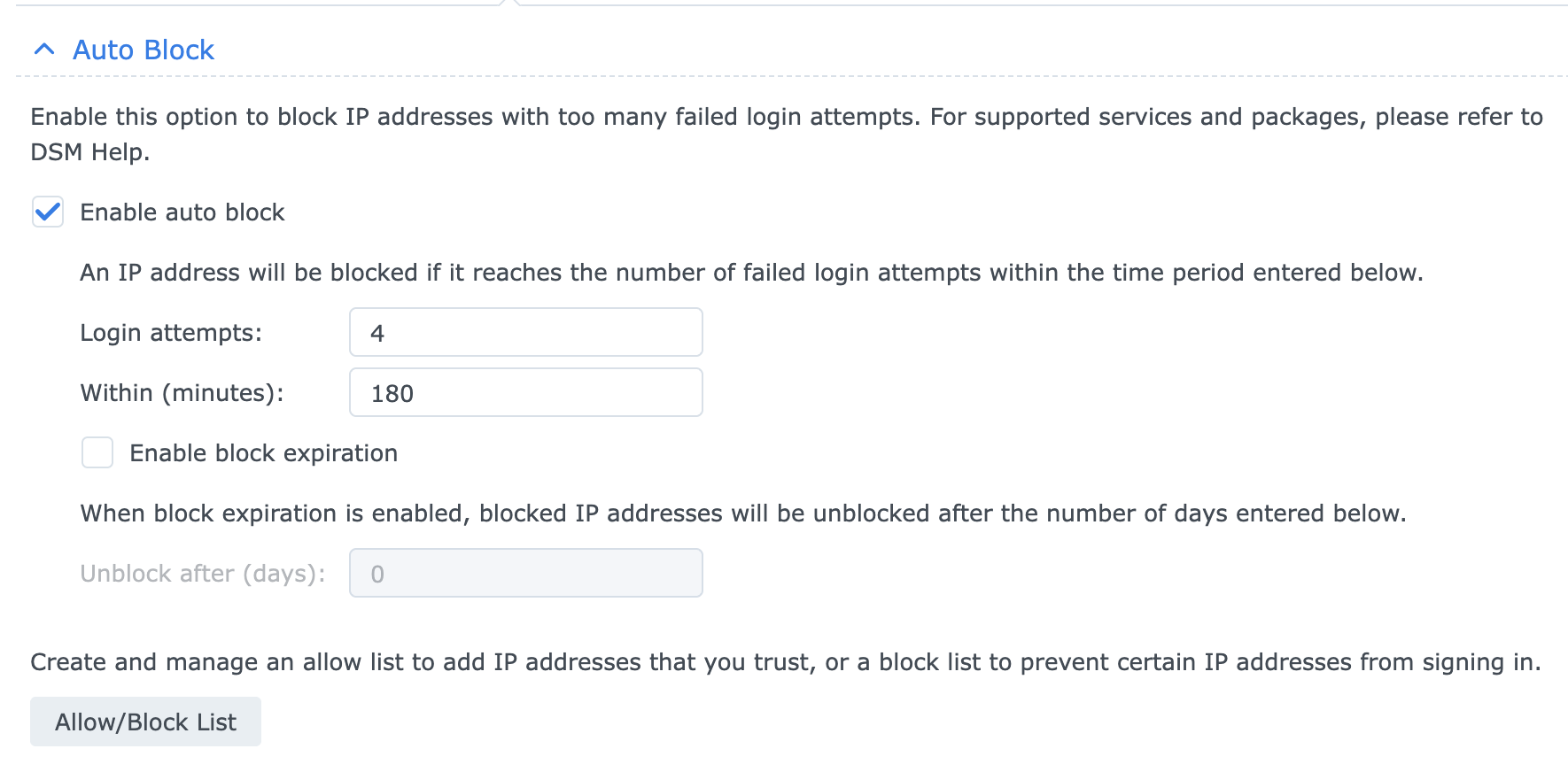
I've seen many of you using Dynamic Group Controller. I'm using it myself for monitoring device battery levels. I've read and re-read the Dynamic Group Controller docs and still cannot come to an answer for my question so let me paint my scenario:
I've migrated from EchoSpeaks in Hubitat ('cause borked and seemingly unmaintained) to Alexa Devices in Home Assistant ('cause not borked in 2026.11.0) to be able to send TTS to my Echo devices.
In EchoSpeaks I could create groups. Sweet.
In Alexa Devices I don't seem to be able to do so. As such, my thought was "wait - isn't there a way in MSR?"
Is this an effective scenario that Dynamic Group Controller can be used for?
Build 21228 has been released. Docker images available from DockerHub as usual, and bare-metal packages here.
Home Assistant up to version 2021.8.6 supported; the online version of the manual will now state the current supported versions;
Fix an error in OWMWeatherController that could cause it to stop updating;
Unify the approach to entity filtering on all hub interface classes (controllers); this works for device entities only; it may be extended to other entities later;
Improve error detail in messages for EzloController during auth phase;
Add isRuleSet() and isRuleEnabled() functions to expressions extensions;
Implement set action for lock and passage capabilities (makes them more easily scriptable in some cases);
Fix a place in the UI where 24-hour time was not being displayed.

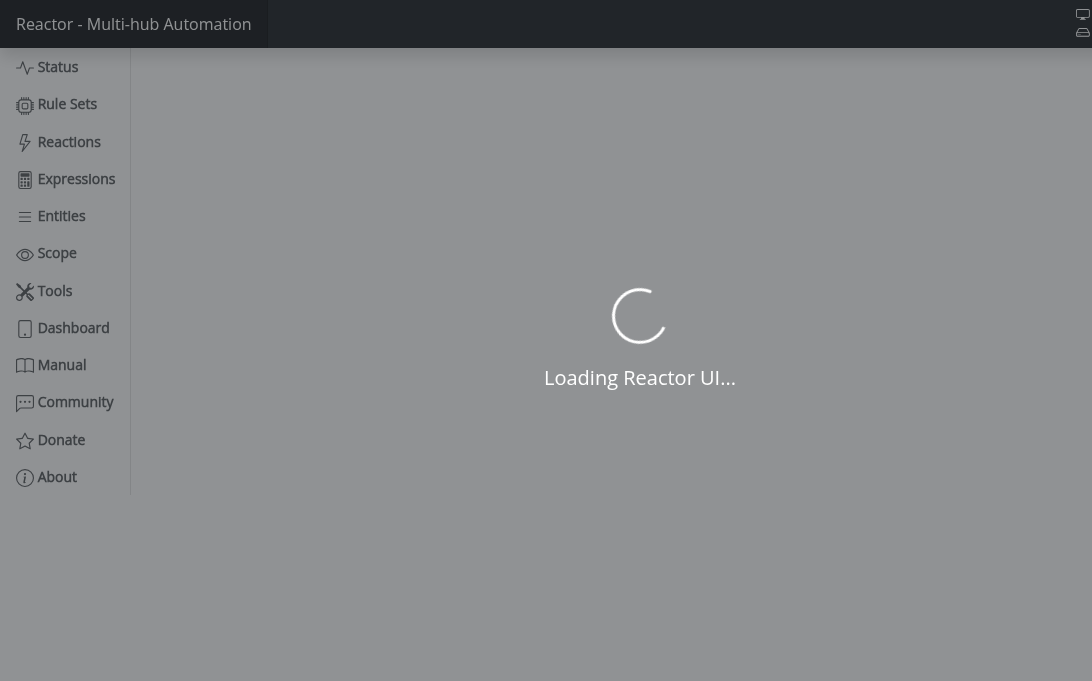
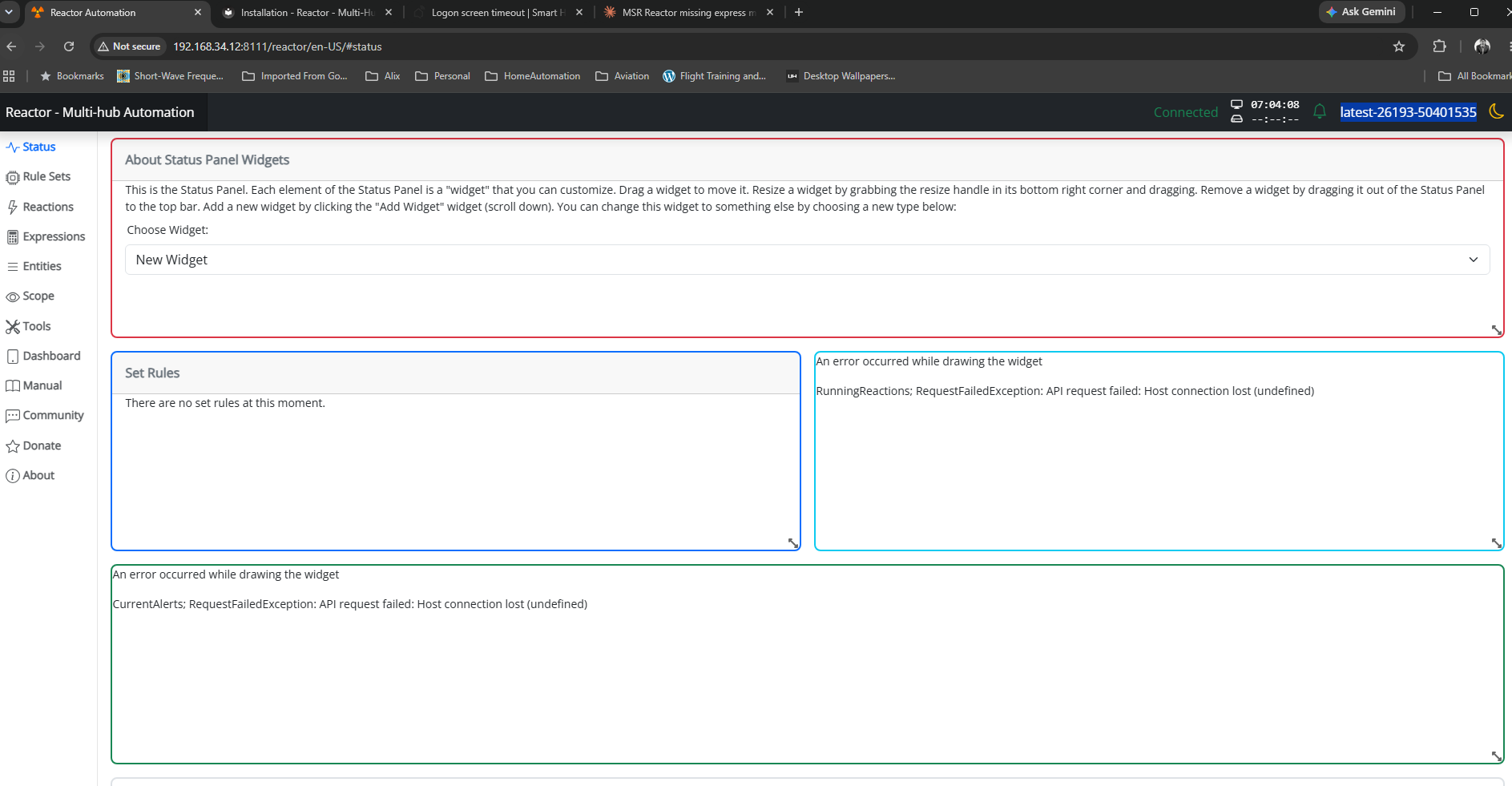
I'm trying to use MSR via reserve proxy in Synology DSM, but MSR page does not load
https://<public ip>:30000/reactor/en-US/
At the same time logging page loads normally
https://<public ip>:30000/api/v1/log
I thought maybe authentication was messing it up, but there was no deny entries in the log, and also disabling authentication did not make any difference. For this use case VPN is not an option (that works, but as said not an option for this particular use case).
Any ideas what could cause this? MSR build latest-26242-28d69aa8, Chrome browser

Nothing more to add. I see we have hvac_blower, but, anyway, maybe a native fan on the same assumptions of the fan from HASS could be reasonable.
I have a couple of them. ie, this is from ESPHome via HASS.
x_hass.domain="fan"
x_hass.entity_id="fan.kitchen_seashell_hood_ventilation_fan"
x_hass.floor_id=null
x_hass.services=["fan","esphome"]
x_hass.source="esphome"
x_hass.state="off"
x_hass_attr.friendly_name="Seashell Hood Ventilation Fan"
x_hass_attr.percentage=50
x_hass_attr.percentage_step=25
x_hass_attr.preset_mode=""
x_hass_attr.preset_modes=[]
x_hass_attr.supported_features=49
Thanks.
Build: latest-26221-b25bb3e3, Docker on Synology.
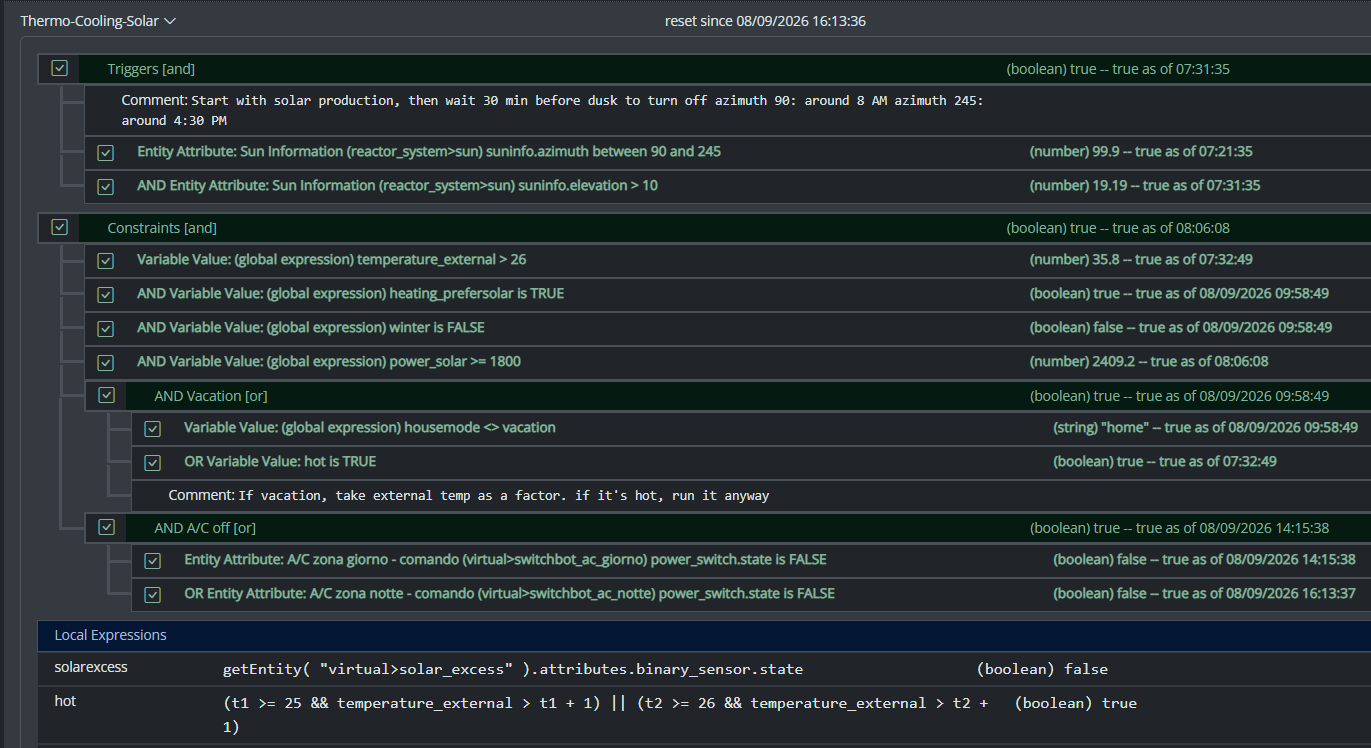
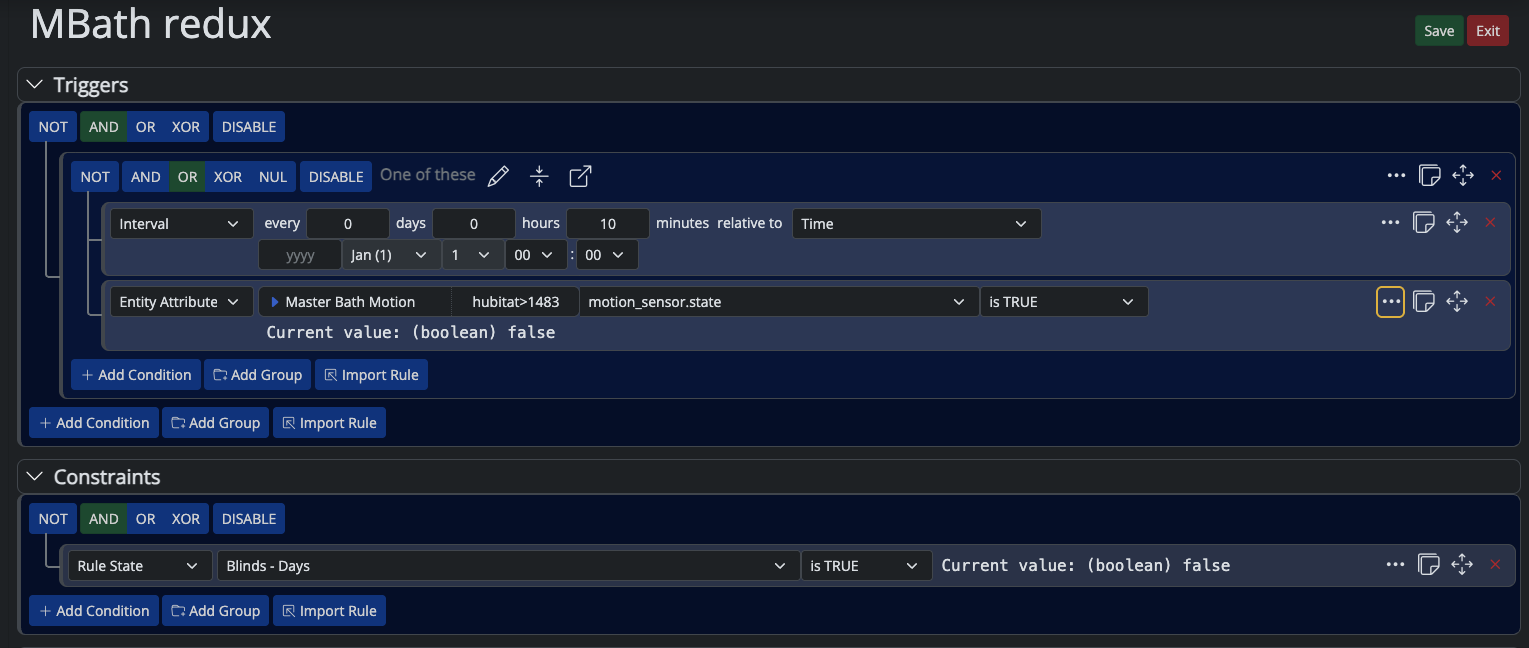
Hi, I have a Rule whose Trigger/Constraints reference other Rules via Rule State ... is TRUE. At some point it stops firing.
Expanding the rule's condition tree in the UI shows every Trigger and Constraint condition green/TRUE — confirmed live by walking into the room and watching Motion go true in real time. Rule History shows no new SET, just old reset entries.
Tried, on the same rule, same evening: recreating the trigger conditions with fresh IDs, recreating the constraint conditions with fresh IDs (flat and wrapped in a new Group — wrapping in a Group produced one SET, but it didn't reproduce on repeat attempts with the same structure), and finally a full container restart with a verified-correct saved rule. Still no SET, even with a fresh live motion event right after the restart.
Separately, I found that this rule (and its 10 per-room clones) share identical internal condition/group IDs with each other — leftover from a batch clone done months ago, never regenerated. Not sure if that's related, since fixing the IDs didn't reliably fix the symptom either.
Has anyone seen a Rule State condition show TRUE in the UI without the Rule ever producing a SET, surviving a clean restart?
Thanks in advance
Hey @toggledbits I'm back to trying to optimize a couple of things based on dynamic group.
First of all, I think I found a typo in the doc:
primary_attribute: "binary_sensor.state"
primary_attribute_value: |
d = false;
each id in members: d = getEntity(id)?.attributes?.power_switch?.state or d,
d
I think the correct code snippet is d = false,
All that said, my use case for dynamic groups is to group 3 different climate devices, so I could easily command them at the same time. Commands are good, but sometimes I want to check if any of the devices are on, and that's easily done with a similar snippet as the one you have in the docs. But this is limited to the primary attribute, while I want to have any of the attributes in the group to be driven by a similar logic (while all are null in the group). ie, access hvac_control.mode and see if any of the unit is set to cool, or heat. Is that possible, without re-defining an expression in each of my rules? Thanks!
As there are statements about compatibility for home assistant versions in MSR new version announcements (e.g. "HassController: Bless Hass to 2025.7.3"), I thought it would be good idea to track other controllers as well.
As an example, I can confirm that build "latest-25208-c53e8513" works with Hubitat Elevation C-8 platform version 2.4.2.134 using Maker API.
Updates: (the latest versions first in the list)
OK: build "latest-25264-2fbe9217" with Hubitat C-8 platform v. 2.4.3.123
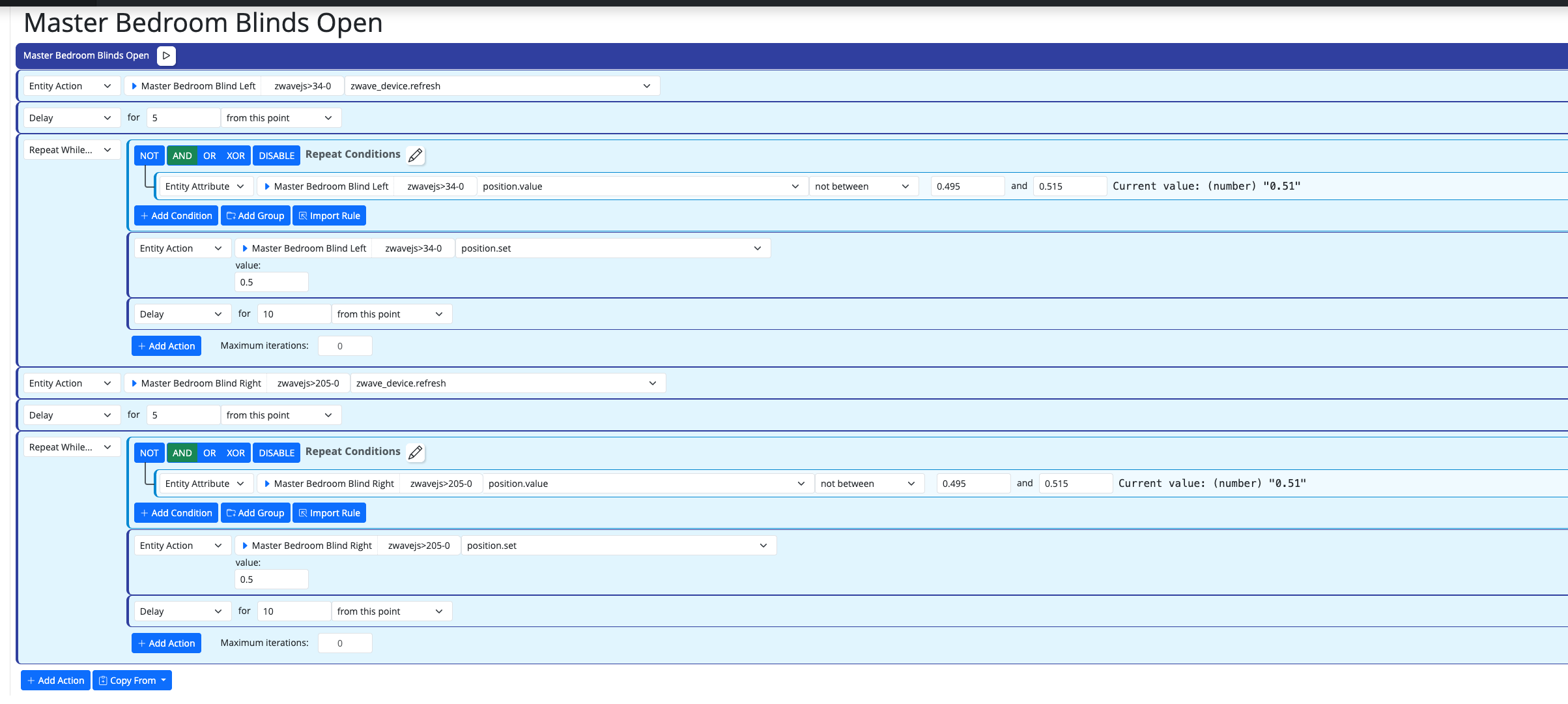
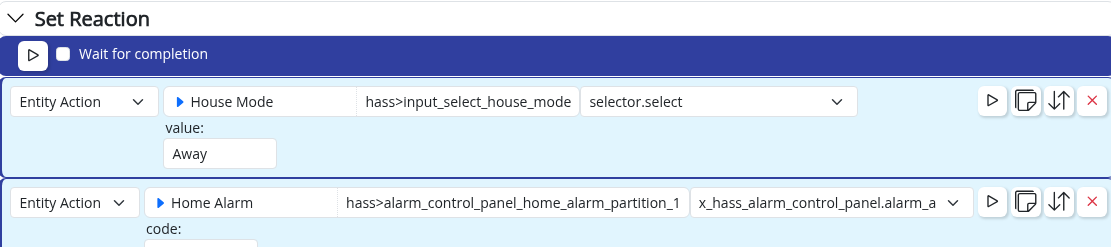

Edit: Solved in latest-26221.
Bare-metal latest-26193
I have this group:
"OKforLarm":
name: OK för Larm
select:
- include_controller: vera
- include_capability: door_sensor
filter_expression: entity.attributes.door_sensor.state
It contains the entities I expect but behaves a bit odd. When I open vera>device_10097 the entity attribute door_sensor.state changes to true but it won't show up as member in the group, when I also open vera>device_10095 they both shows as members and when I close vera>device_10095 it disappear from the group but when I close vera>device_10097 it lingers in the group until I restart Reactor.
SSL Certificate for Multi System Reactor via LetsEncrypt
-
Details of runtime environment:
- Reactor (Multi-hub) stable-22055-9b40e12
- Running as a service on Windows Server 2022 Std 21H2
- Connecting to HASS (HASSOS)
- Is a migration WIP from OpenLuup/Reactor
A complete description of your objective:
- Using LetsEncrypt, application "certifyTheWeb", retrieve and apply SSL certificate to Multi System Reactor
A description of your approach/solution/implementation so far:
- Reviewed Config files, can't seen mention of certificate files in there
Actual Question:
- How do I apply a certificate to whatever web server Reactor uses? I'm familiar with managing certificates on IIS and Apache but Reactor doesn't use either of these and I have not been able to locat ethe config file that Reactor uses for this.
- Which config file needs editing to apply a certificate?
- Does it use the computer certificate store or it's own store (e.g. pem files)
The reason I want to achieve this, other than the general goodness of having everything I can in TLS is that I have Reactor as an IFRAME in my HASS console and as HASS is HTTPS and Reactor is HTTP then the iframe refuses to open.
Search for "certificate" or "ssl" did not reveal anything relevant in this forum.
-
-
 T toggledbits locked this topic on
 How To: HTTPS - Reactor - Multi-Hub Automation