


How to upgrade from an old version of MSR?
-
A.I. is pretty good! I don't normally use it tbh. Scared of the future robots gonna rule the world.
I asked:
Yes please tell me more about the general concepts of Proxmox. I do know what virtual machines are however I have used them in the past. But I have never heard of Proxmox before. I am familiar with Debian however I already have a thin client here running Debian and Multi System Reactor aka MSR. MSR is a 3rd party logic rules engine which can be used with your devices in Home Assistant. I need a new setup that allows me to run home assistant and msr on the same pc etc.
It replied but it recommends to run MSR in an LXC rather than a full VM. The whole setup sounds it would be brilliant, but for me to do it, is probably lot of time, learning and head straching lol. So it's gonna be a commitment.
Here is what it said:
Since you are already comfortable with Debian and Virtual Machines, Proxmox is going to feel like a superpower for your home lab.
What is Proxmox?
Proxmox Virtual Environment (PVE) is a Type-1 Hypervisor.
Type-2 (What you've used): Like VirtualBox on Windows. You have an OS, then an app, then the VM.
Type-1 (Proxmox): It is the OS. It sits directly on the "bare metal" hardware.
Crucially for you, Proxmox is built on top of Debian. When you install it, you are essentially installing a highly customized version of Debian with a world-class Web GUI to manage VMs and Containers.
The Strategy: Running HAOS and MSR Together
Since you want to run both Home Assistant and Multi-System Reactor (MSR) on one machine, Proxmox is the perfect "manager" to keep them isolated but interconnected.
1. Home Assistant (The VM)
You will create a Virtual Machine (VM) and install HAOS directly into it.
Why a VM? HAOS wants to "own" the hardware. In a VM, Proxmox gives it a virtualized hard drive and CPU, keeping it stable and allowing for the "Add-on Store" to work perfectly.
Ease of use: There are famous "Helper Scripts" (by tteck) that allow you to install HAOS on Proxmox with a single command.
2. Multi-System Reactor (The LXC Container)
Since MSR is a Node.js application that runs great on Linux, you don't need a full VM for it. You should use a Linux Container (LXC).
What is an LXC? It’s lighter than a VM. It shares the Proxmox (Debian) kernel but has its own file system.
The Benefit: An LXC for MSR will use almost zero idle RAM (around 100-200MB) compared to a full VM which might grab 2GB just to boot.
Why this is better than your current setup:
Snapshots: Before you update Home Assistant or change a massive rule in MSR, you click "Snapshot." If it breaks, you hit "Rollback" and you're back in 10 seconds.
Backups: Proxmox can automatically back up your entire HA setup and MSR setup to an external drive or NAS every night while you sleep.
Hardware Pass-through: If you have a Zigbee or Z-Wave USB stick, Proxmox makes it easy to "pass" that physical USB port into the Home Assistant VM.
The "Debian" Safety Net: Since the base is Debian, you can still SSH into the host and use familiar commands if you ever need to troubleshoot the hardware level.
Recommended "UK eBay PC" Allocation:
If you buy an 8th Gen i5 with 16GB RAM (as discussed):
Proxmox Host: Uses ~1GB RAM.
HAOS VM: Assign 4GB RAM (it will use ~2GB).
MSR LXC: Assign 1GB RAM (it will use ~200MB).
Leftover: You still have 10GB of RAM free to experiment with other things like Pi-Hole, Plex, or a local MQTT broker.
Would you like me to find those "Helper Scripts" for you so you can see how easy the one-command installation is? -
This video is wild and super scary, if real and why I very rarely use A.I.
I'd love to hear you guys opinions as being the expert technical guys you are.
-
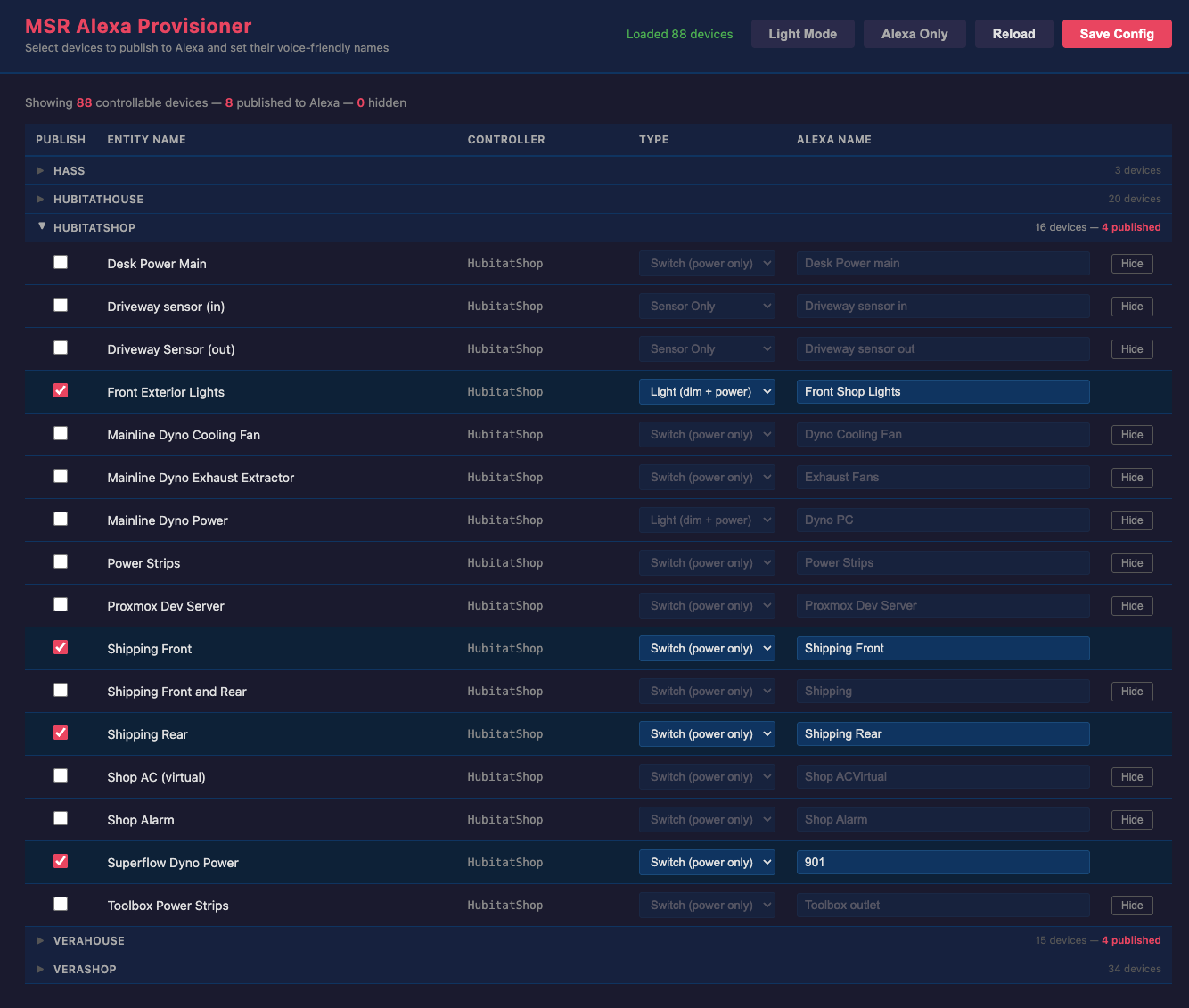
Wow Gemini A.i. has it all totally covered lol. I had like an hour long conversation with it. It says it can tell me exactly how to setup such a new HA system step by step and has even come up with a migration plan for my MSR rules!
We are currently talking about building dashboards in HA.
I told it I was currently using Home Remote with Vera and I described my current dashboard menu structure and sub menu structure and how I have a menu item for each room etc.
A.I. is telling me how to do the same in Home Assistant talking about different card options. Its even shown me some HA dashboard demos from YouTube and it says it can "watch" and understand these videos. So if I pick one I like it can then advise me how to build it in Home Assistant.
Witch craft it's just like talking too a human expert.
So think I won't need to ask to many questions on the forum now.
My mind is blown about the A.I. conversation I just had. I've never spoken to them in depth before and not about technical stuff.
I will still be avoiding A.I. in general however.
Humans are totally cooked, we will all be replaced by the robots.
-
Yes to Zwave js ui. Zwa2 range is impressive. You’ll thank me later

There’s zigbee2mqtt that’s basically the same route as Zwave js and home assistant has a zigbee usb key as well.
Everything is then exposed and orchestrated via reactor.Regrading AI, I’m more and more offloading dev tasks to GitHub Copilot Agent inside VS Code and I love it. I have a special chat with custom instructions for reactor where I ask about logic guidance and checks. This is the sort of tasks that generative AI excels at.
-
Couple of observations:
- You don't need to start from ground up HA plays really nicely with MSR and Vera. You can slide over as slowly as you like (I think I was running for nearly 2 years before I got the time to move it all
- I've been playing with AI as well (saves me bugging the brains trust here) Chat GPT and Claude. Although Claude is better they are both wrong FAR MORE often than they are right. I've been through 20+ iterations of code, every time being told 'This will absolutely work' and it doesn't
That's not a massive issue as I sort of know what I'm doing, but I absolutely would not expect any AI at this point to be able to set you up a complete HA set up from scratch.
As for Proxmox it does seem to be very popular. I'm not sure why as it's kind of complex (or looks that way to me after very limited study) I'm running my VMs on my Synology NASs. They are protected on a UPS, and take a snapshot every night. Roll back to a working instance takes minutes if not seconds.
$0.02
C

 Woman Claims "Something Sinister" Is Taking Over The Internet, And It's Crazier Than We Think